
Free
$0
Design as much as you like
- Every tool and template
- Unlimited cards and decks
- One sample card per export, with a large “Sample” mark, for a test print
- Other cards export blurred
Card deck maker · runs in your browser
Paste your list of questions, prompts or game cards. Design one card. Deckpaper fills in every other card and exports files your print shop will accept.
The idea
Lay out one card. Every row in your table becomes a finished card with its own name, picture, numbers and text. Change the design, and all fifty cards change with it.
| Name | Type | Cost | Text |
|---|---|---|---|
| Ember Wyrm | Creature | 6 | Guard. When Ember Wyrm enters play, deal 2 damage to each enemy. |
| Tide Runner | Ship | 3 | Draw a card when this ship reaches a harbour. |
| Star Chart | Spell | 2 | Look at the top three cards of your deck. Keep one. |
| Gilded Hoard | Treasure | 1 | Gain 3 [gold]. Then 1 more for each ship you control. |
| Warden of Ash | Creature | 4 | Guard. Other friendly units get +1 power. |
+ 45 more rows
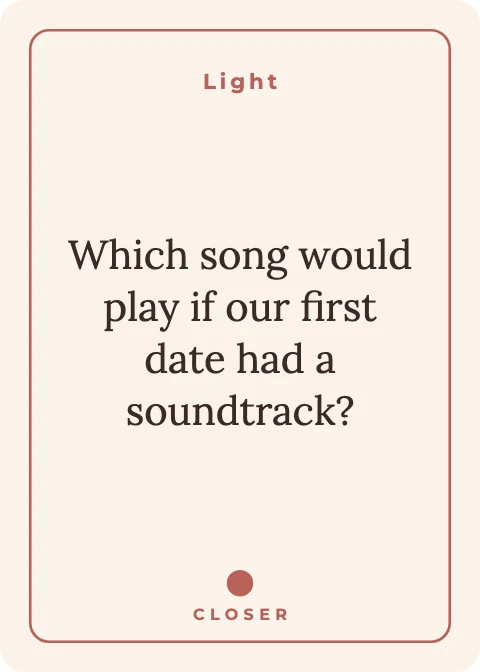
The same works for question decks, flashcards and oracle cards: one column of text, one design, every card done.
See it in action
Tools
Card tools read each row of your table and change the design for that card. Editing tools work like a photo editor. Pick one to see it work.
The editor
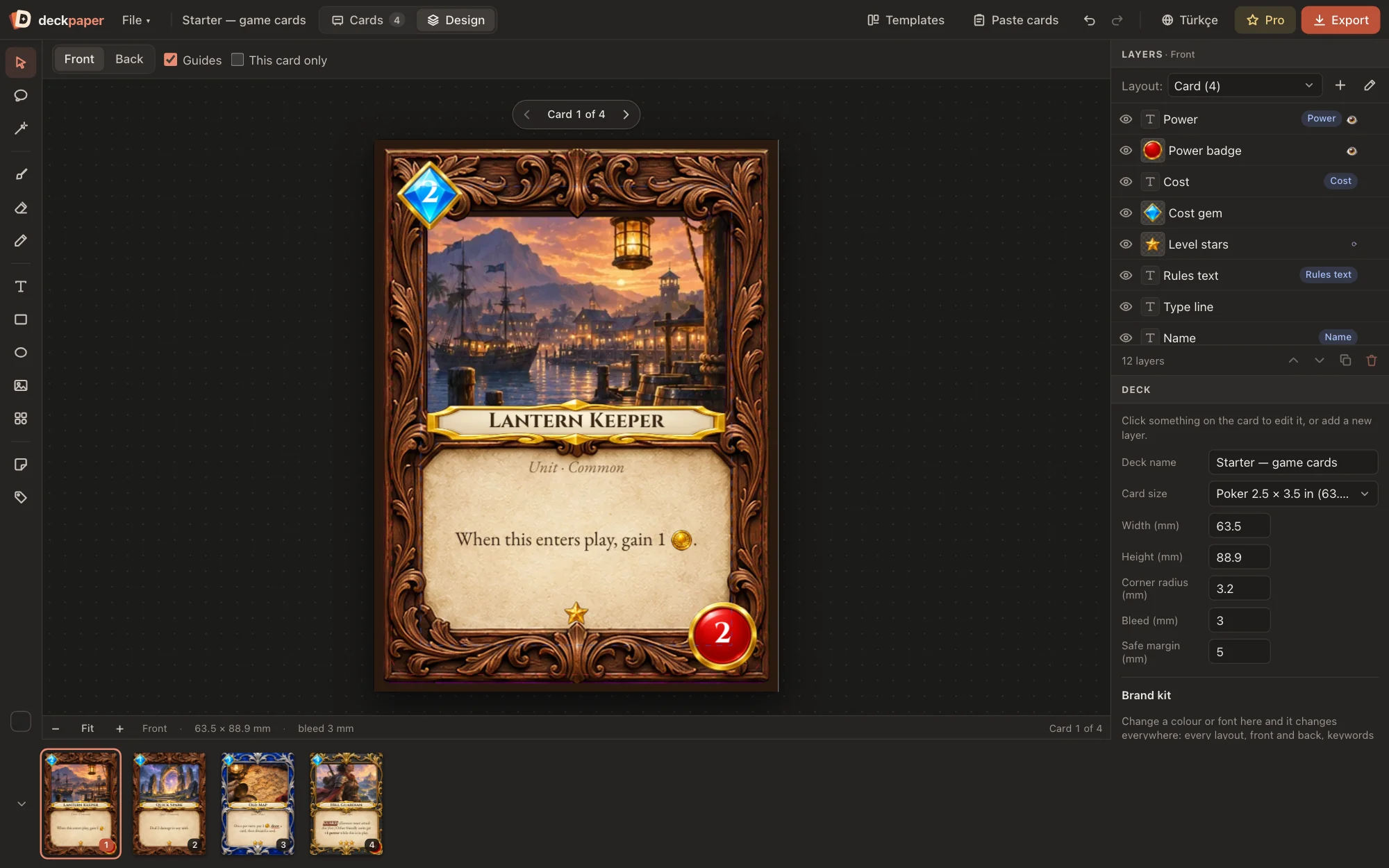
Lay out the card once with layers, the way you would in a photo editor. Every row in the table uses that layout.
Print and export
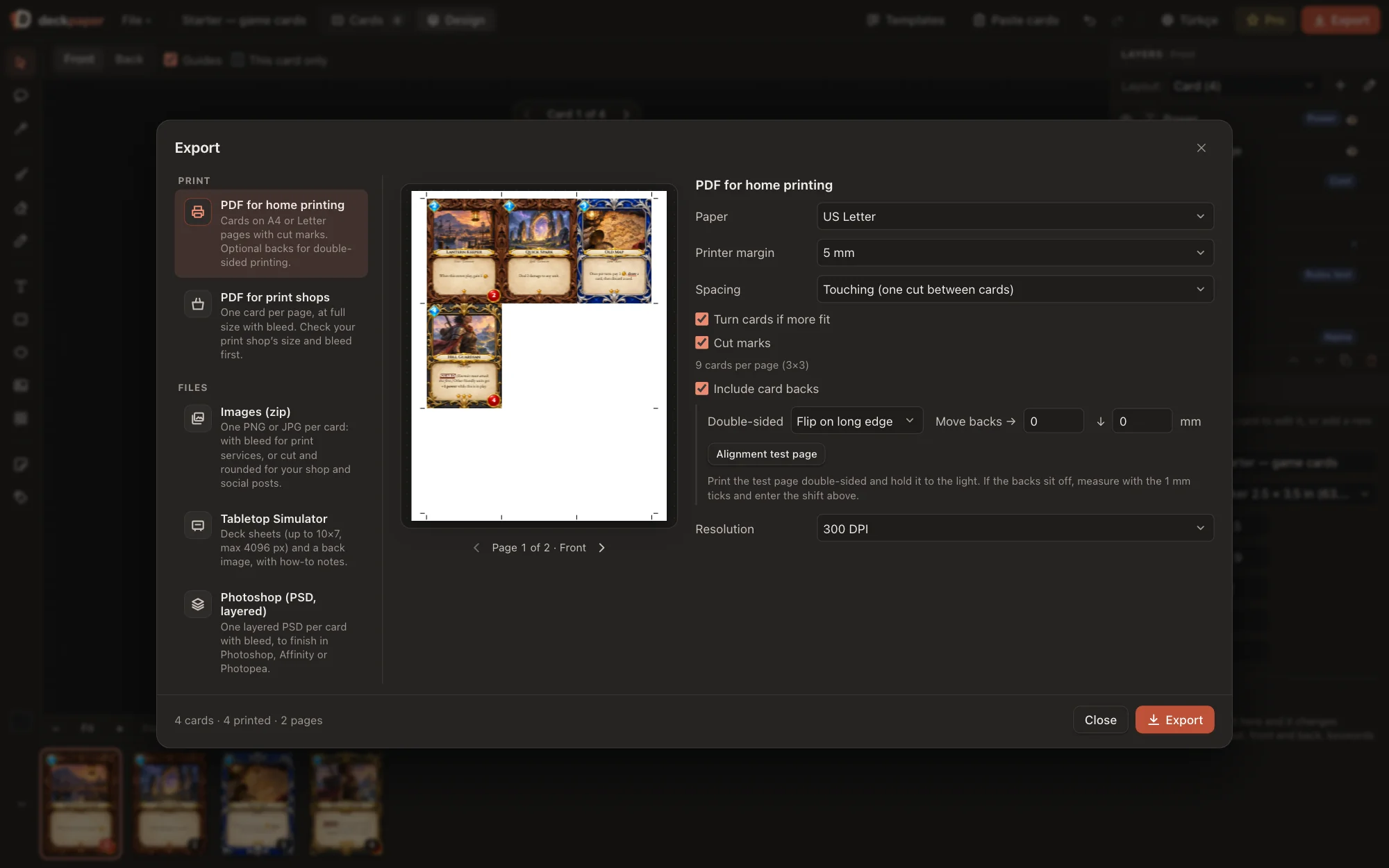
Bleed, trim and safe zone are on every card from the start, so nothing important gets cut off.
Size, bleed and file rules filled in for MakePlayingCards, The Game Crafter, DriveThruCards, PrintNinja, Cartamundi, Panda, LongPack, BoardGamesMaker and PrinterStudio.
PDF/X-1a and PDF/X-4 output. Black text prints in pure black ink, so small type stays sharp.
Cards on A4 or Letter with cut marks. Backs line up for double-sided printing.
Poker, bridge, tarot, mini, square, postcard and more, or type your own.
Templates
All designed for this app. Change the colours, fonts and layout, or keep them as they are.
Couples questions Friends conversation
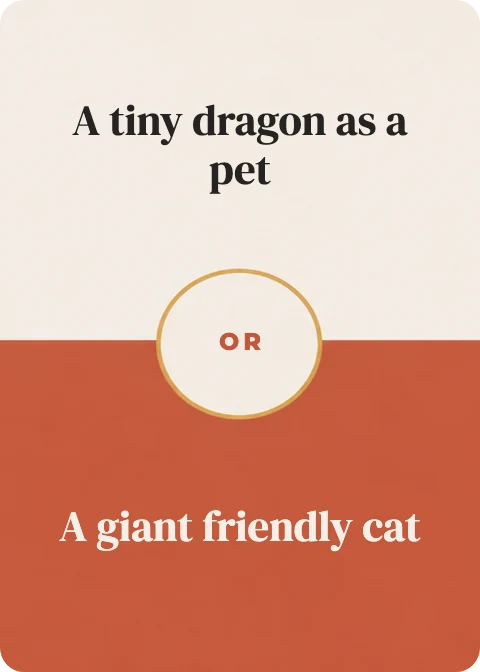 Party: pick one
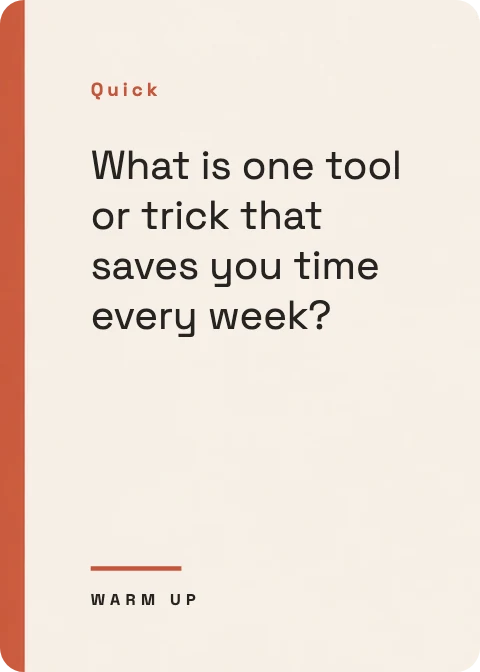 Team icebreakers
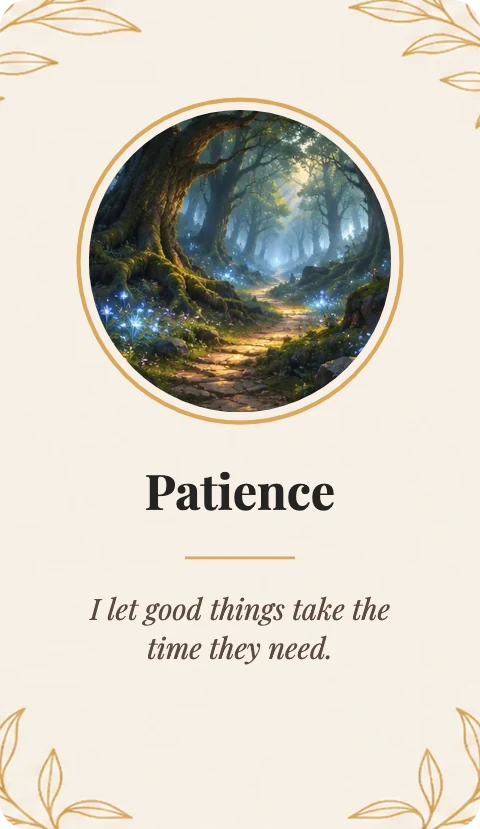
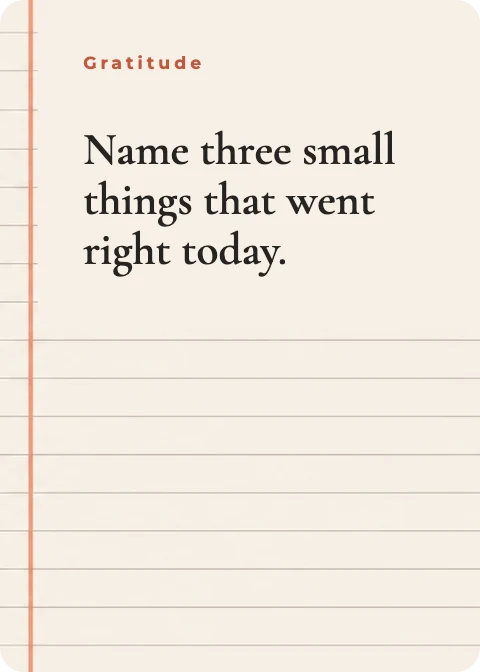 Journaling promptsAffirmation / oracle
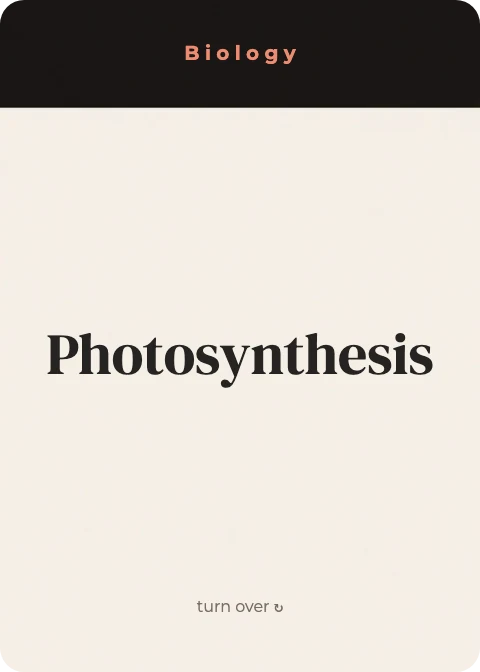 Study flashcards
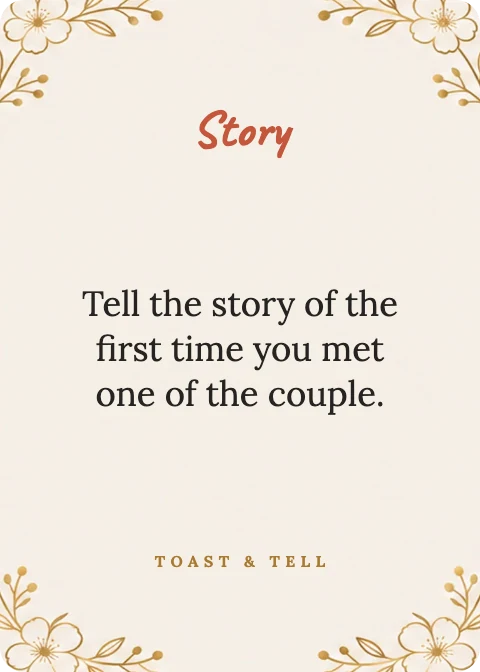 Wedding party game
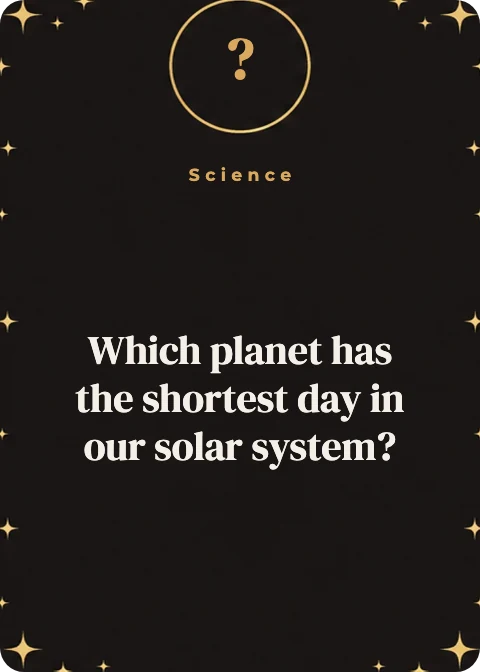 Trivia with answers
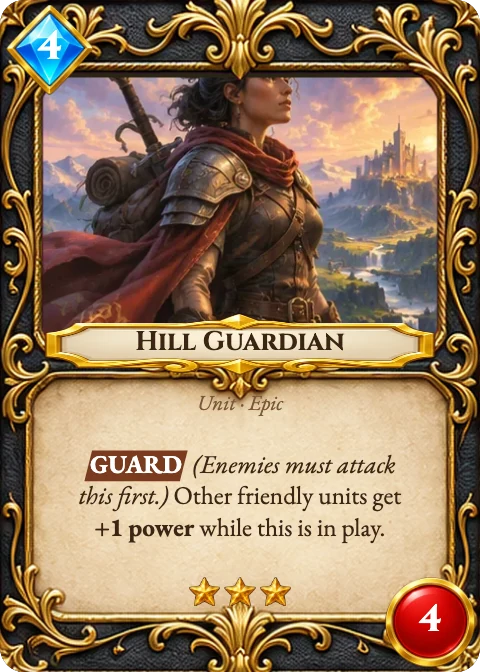 Game cards
Pricing
Design your whole deck for free with every tool and template. Pay only when you export it.
$0
Design as much as you like
$48/ year
That's $4 a month. Save 50% compared with monthly.
Launch price
$69$99
One payment, Pro forever. $69 for the first 30 days, then $99.
Prices in US dollars. VAT or sales tax is added at checkout where required. Payments are handled by Polar, our merchant of record. All sales are final, so please design your deck and print the free sample card first. AI features, if added later, may be sold separately.
FAQ
No. Deckpaper runs in Chrome, Edge, Firefox and Safari. It works best on a laptop or desktop screen.
In your browser on your computer. Nothing is uploaded. Save a .deck file to keep a backup or open the deck on another computer. If something goes wrong, the editor also keeps earlier copies you can restore.
Yes. The cards you make are yours, including ones started from our templates. Photos from the photo search keep their own licence; the editor lists the credits for you.
Any shop that takes PDF or image files. Presets fill in the sizes and bleed for MakePlayingCards, The Game Crafter, DriveThruCards, PrintNinja, Cartamundi, Panda, LongPack, BoardGamesMaker and PrinterStudio. Always check your shop's latest requirements before ordering.
You can design as many cards and decks as you like with every tool and template. When you export, the first card comes out as a sample with a large “Sample” mark so you can test print it, and the other cards come out blurred. Pro exports the whole deck sharp and without marks, and adds layered PSD files. There is no time limit.
Your decks stay where they are and you can keep editing. Exports go back to the free limits.
Pro unlocks right away, so all sales are final. Every tool is in the free version, and you can print a sample card from your own deck before buying.
The editor is in English, German, French, Spanish, Portuguese and Turkish. A deck can hold as many languages as you need, and each one exports on its own.
Open the editor, paste your cards, and see them come to life.
Start designing — it's free